
How to Search Suffolk County Court Records
The main tool for Suffolk County court records is MassCourts eAccess, the Massachusetts Trial Court's free public case search. It is statewide. That means "Suffolk County" is not one database, and the department you choose controls the result. Before you start, know the party's full legal name or the case number, and have a rough idea of which court heard the matter.
A name search works when you do not have a number. A case-number search is faster and more exact. The portal shows docket information, not full document images, so plan to call the clerk for copies. Follow these steps to keep the search on track.
- Open the MassCourts eAccess portal and read the public-access notices.
- Select the Trial Court department: Superior Court, Probate and Family Court, BMC, District Court, Housing Court, or Land Court.
- Select the Suffolk division, then choose name search or case-number search.
- Enter the last name first, or type the docket or citation number.
- Open the result row to read the docket, then request certified copies from the clerk.
Start every search at the MassCourts public eAccess portal, which carries the access notices that explain why some Suffolk cases are restricted.
MassCourts Search Fields for Suffolk Cases
The portal asks for a department and a search type before it takes a name. The fields below show what a public Suffolk County court records search offers. Exact spelling matters, and protected parties may be suppressed.
| Field | Type | Required | Notes |
|---|---|---|---|
| Department | dropdown | Yes | Superior, District, BMC, Probate and Family, Housing, Land. |
| Court Division | dropdown | Conditional | Suffolk County Superior Court, Suffolk Probate and Family Court, BMC division, Chelsea District Court. |
| Search Type | tab | Yes | Name, Case Number, or Calendar/Event. |
| Last Name / Entity | text | Conditional | Required for a name search; exact spelling matters. |
| First Name | text | Optional | Narrows an individual search. |
| Case Number | text | Conditional | Department-specific docket number. |
| Date Filed From / To | date | Optional | Narrows by filing date where available. |
Add filters only after a broad test. A narrow filter can hide a real case when a name is misspelled or the matter was filed in another department.
Which Court Holds Your Suffolk County Record
Picking the right department is the step most searchers get wrong. Each department keeps its own records, so a misdemeanor and a felony from the same arrest can sit in two places. Use this guide to route the search.
- Superior Court - felonies, major civil claims, and equity matters.
- Boston Municipal Court - Boston misdemeanors, small claims, and summary process.
- District Court - Chelsea and Revere area lower-court cases.
- Probate and Family Court - divorce, custody, estates, and guardianship.
- Housing Court - evictions and housing code matters.
- Land Court - registered land, title, and tax lien cases.
A felony that began with an arrest may have an early lower-court complaint docket and a later Superior Court indictment docket. Search both if the early history matters. See the Superior Court and Boston Municipal Court pages for department detail.
Types of Suffolk County Court Records
The county's court records run across every case type the state hears. The kind of file depends on the department. A Superior Court criminal docket does not look like a Probate estate file.
These are the record types people search most.
- Criminal records - indictments, dockets, pleas, and dispositions.
- Civil records - complaints, judgments, and small claims.
- Family records - divorce, custody, and support files.
- Probate records - wills, estates, and guardianship cases.
- Summary process - eviction cases in Housing, BMC, or District Court.
For deeper coverage, see arrest records, marriage and divorce records, and probate records.
What a Suffolk County Court Record Shows
A court record is built around the docket, a dated log of every filing, hearing, and order. Public portal data is best read as an index, not the full file. The fields below appear on a typical public case detail, though the set changes by department.
| Field | What It Shows |
|---|---|
| Case Number | Department docket number, often year plus court code and sequence. |
| Court / Division | The department and Suffolk division that holds the file. |
| Caption / Parties | Names and roles: Commonwealth, plaintiff, defendant, petitioner. |
| Filing Date | Date the complaint, indictment, or petition opened the case. |
| Docket Entries | Chronological log of filings, hearings, motions, and orders. |
| Status / Disposition | Open, pending, disposed, dismissed, judgment, or impounded. |
Protected items stay out of the public copy. Social Security numbers, full dates of birth, account numbers, minor names, and sealed addresses are redacted. A blank entry may mean impoundment, not a missing case.
Copies, Certified Records, and Older Files
MassCourts is mostly a docket tool. Many pleadings, orders, decrees, and exhibits are not downloadable from the public screen. For a certified copy, contact the clerk or register for the department that heard the case. A screenshot of an online docket is not a certified copy and will not be accepted in most legal settings.
Older Suffolk cases may not be online at all. Historic criminal, civil, divorce, and probate files can sit in offline archives or under an old docket format. If a case cannot be found, call the clerk with the docket number and approximate year. For land records, use the Registry of Deeds and MassLandRecords rather than MassCourts. The Clerk of Court page lists what each office handles.
When you request a copy, be specific. Ask for the exact item, such as the docket sheet, the indictment, a plea, a sentence, an order, a judgment, or a certified disposition. Give the clerk the case number, the filing year, and the party names. A narrow request is filled faster than a broad "all records" request, which can trigger search time and added fees. Federal cases from Suffolk County are not in MassCourts at all; those run through PACER and the U.S. District Court for the District of Massachusetts.
Reading Common Terms in a Suffolk Court Record
Dockets use shorthand that trips up first-time readers. A charge is only an accusation; a conviction is a finding of guilt, and the two are not the same. An early docket entry can be undone by a later one, so read the whole file before you draw a conclusion. The terms below come up often in Suffolk County court records.
- Continued
- The hearing or deadline was postponed to a later date.
- Default
- A party failed to appear or respond, letting the court act against them.
- Disposed
- A court outcome exists, such as a dismissal, judgment, or sentence.
- Nolle prosequi
- In a criminal case, the prosecution chose not to proceed on that charge.
- CWOF
- Continued without a finding, a Massachusetts disposition that is not a not-guilty verdict and can carry record consequences.
If an entry stays unclear, the clerk's official record controls over any online summary. The court dockets page breaks down docket reading in more detail.
Public Access Rules for Suffolk County Court Records
Court case files follow court rules, not the general Public Records Law. The central rule is SJC Rule 1:24, which defines case records, limits remote access, and lists nonpublic information. That rule explains why a courthouse computer may show more than the home version of MassCourts. A case can be public for in-person inspection yet limited online.
Key Statutes and Rules:
M.G.L. c. 6, § 172 - controls who may obtain CORI, the regulated criminal-history product.
M.G.L. c. 276, § 100A - allows eligible adult criminal records to be sealed after a waiting period.
M.G.L. c. 66, § 10 - the Public Records Law route for agency records, separate from court files.
For agency records, like Sheriff administrative files, use the public records request process instead.
Federal Court Records From Suffolk County
Federal cases arising in Suffolk County are not searched through MassCourts. Federal civil, criminal, immigration, securities, and habeas matters from Boston go to the U.S. District Court for the District of Massachusetts. Bankruptcies go to the U.S. Bankruptcy Court for the District of Massachusetts. Appeals from federal cases head to the First Circuit Court of Appeals. Federal dockets are searched through PACER and, for some opinions and dockets, through CourtListener as a free alternative.
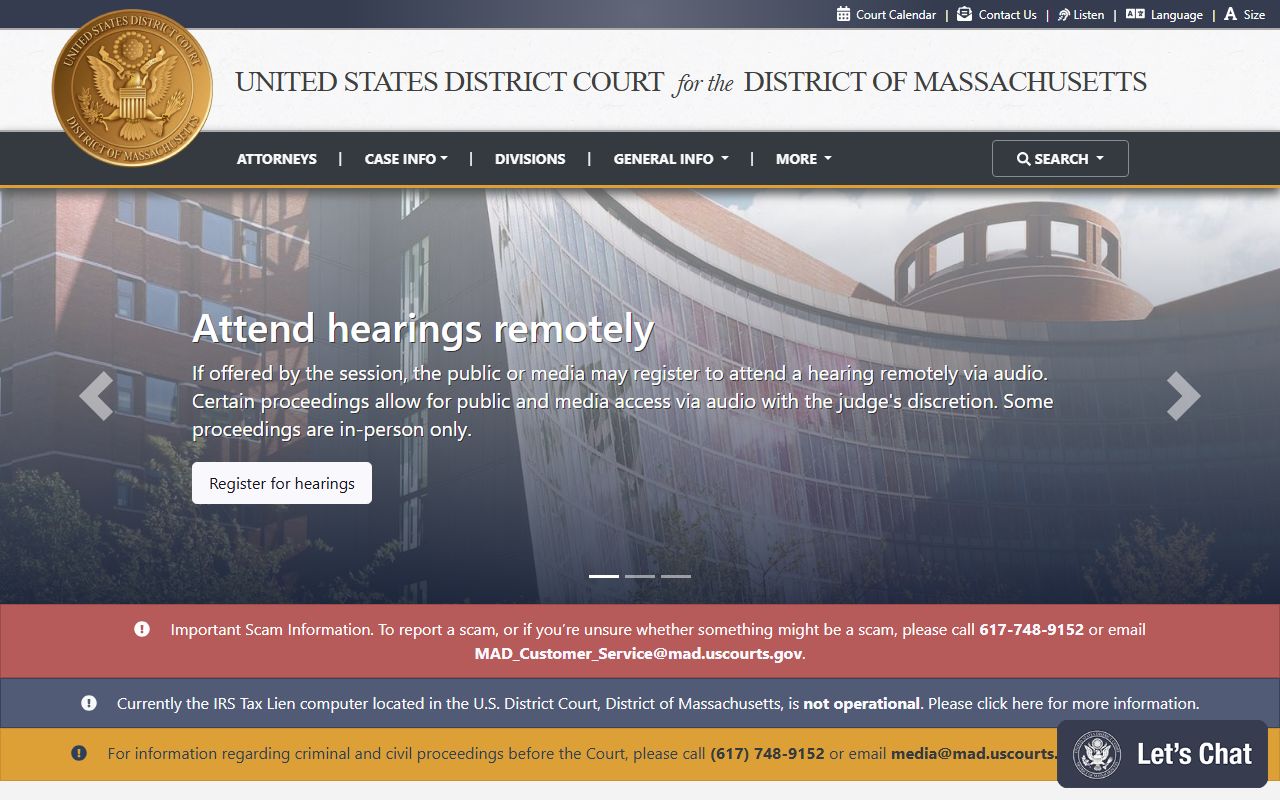
The U.S. District Court for the District of Massachusetts shown above is the main federal trial court for Suffolk County cases. Federal court records live in the federal docket system, not in any state portal.
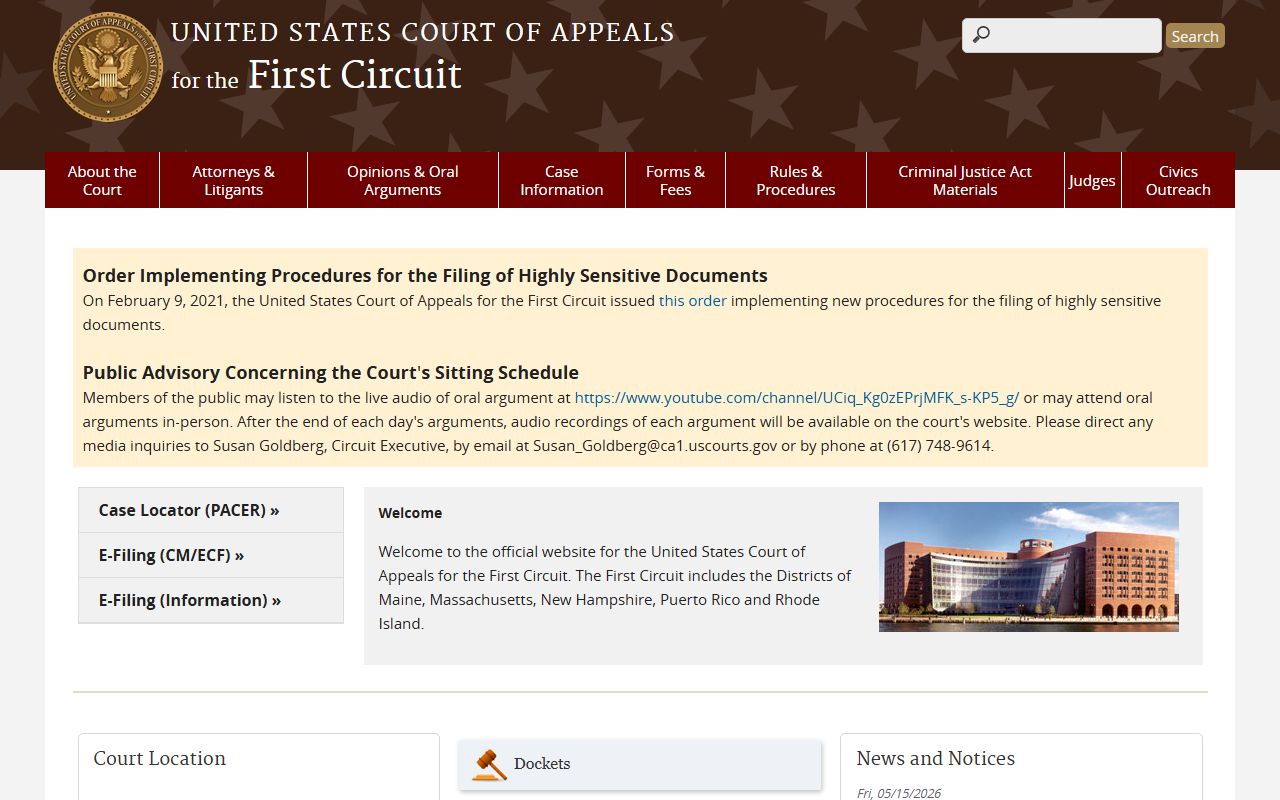
The U.S. Court of Appeals for the First Circuit pictured above hears appeals from the federal district court and sits in Boston, the same city as the trial court.
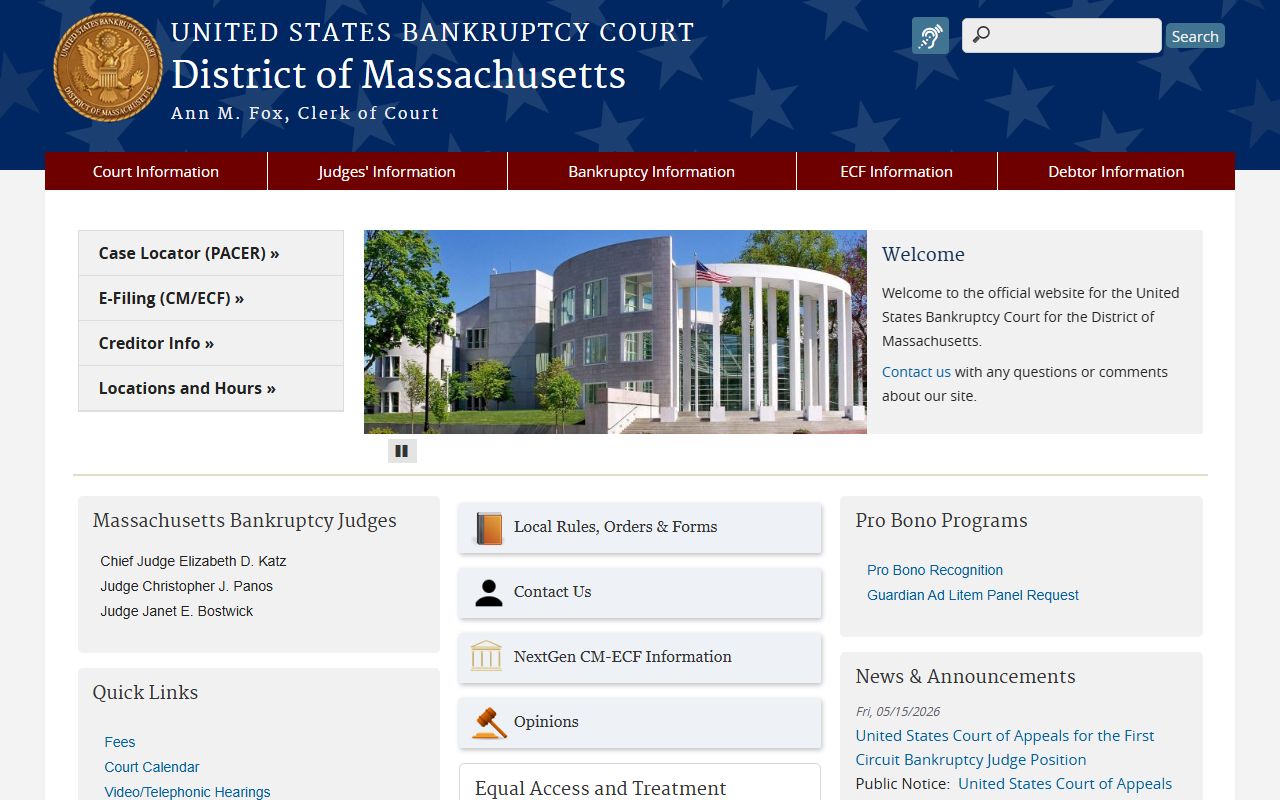
The U.S. Bankruptcy Court for the District of Massachusetts shown above handles federal bankruptcy filings for Suffolk County, including Chapter 7, 11, and 13 cases.
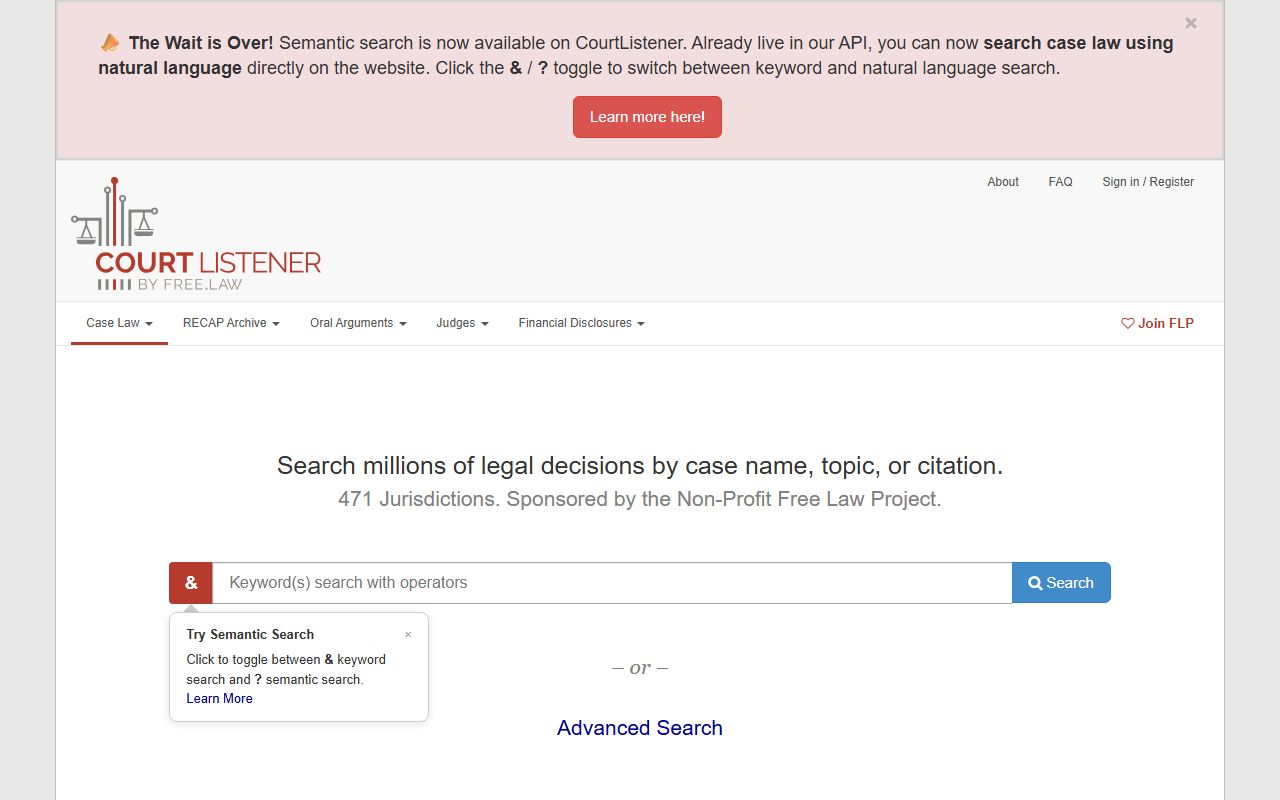
The CourtListener archive pictured above is a free alternative for some federal opinions and dockets, though its coverage is not as complete as PACER.
Restricted Suffolk County Court Records
Not every record is open. Massachusetts uses sealing, impoundment, statutory confidentiality, CORI controls, and redaction. Juvenile delinquency files, adoption records, mental health proceedings, and grand jury material are closed or tightly limited. Sealed adult criminal records drop out of ordinary public access.
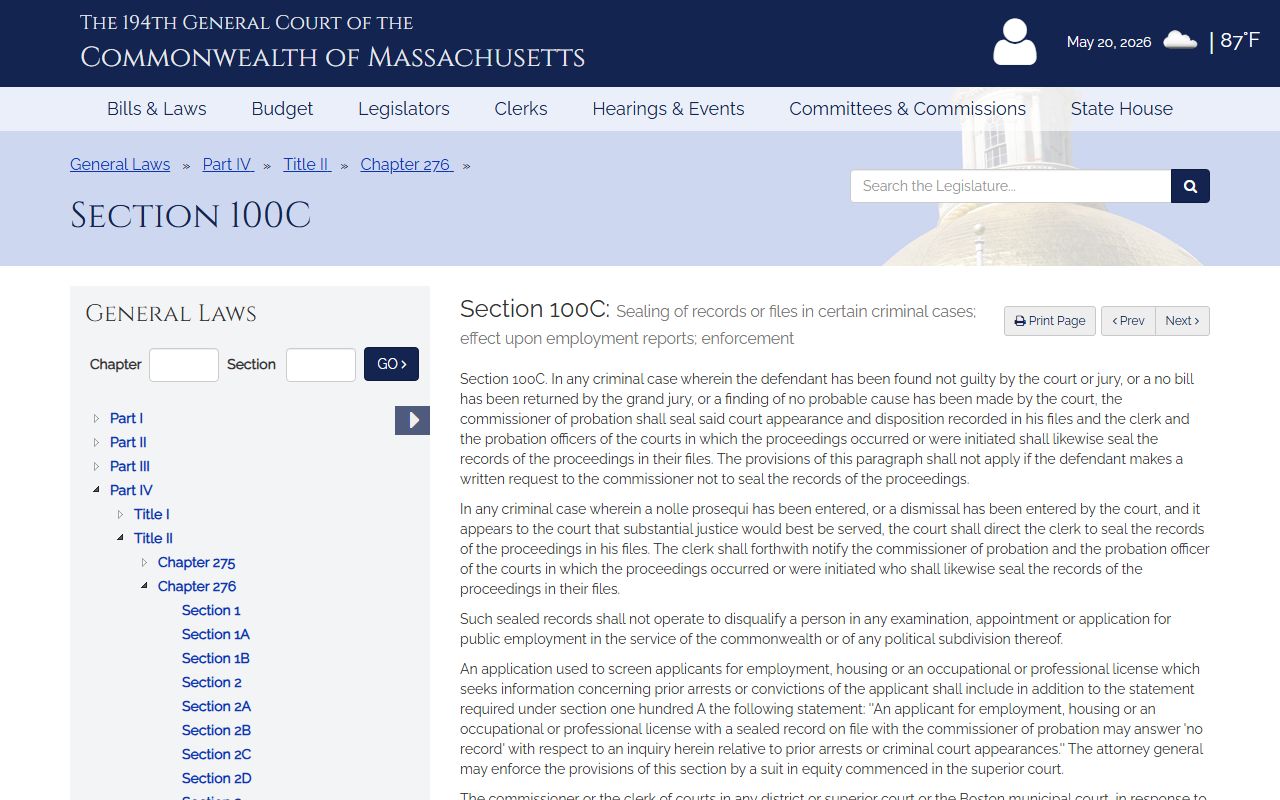
The court sealing statute, shown above at M.G.L. c. 276, § 100C, lets a court restrict access to certain records. Juvenile confidentiality is even stronger.
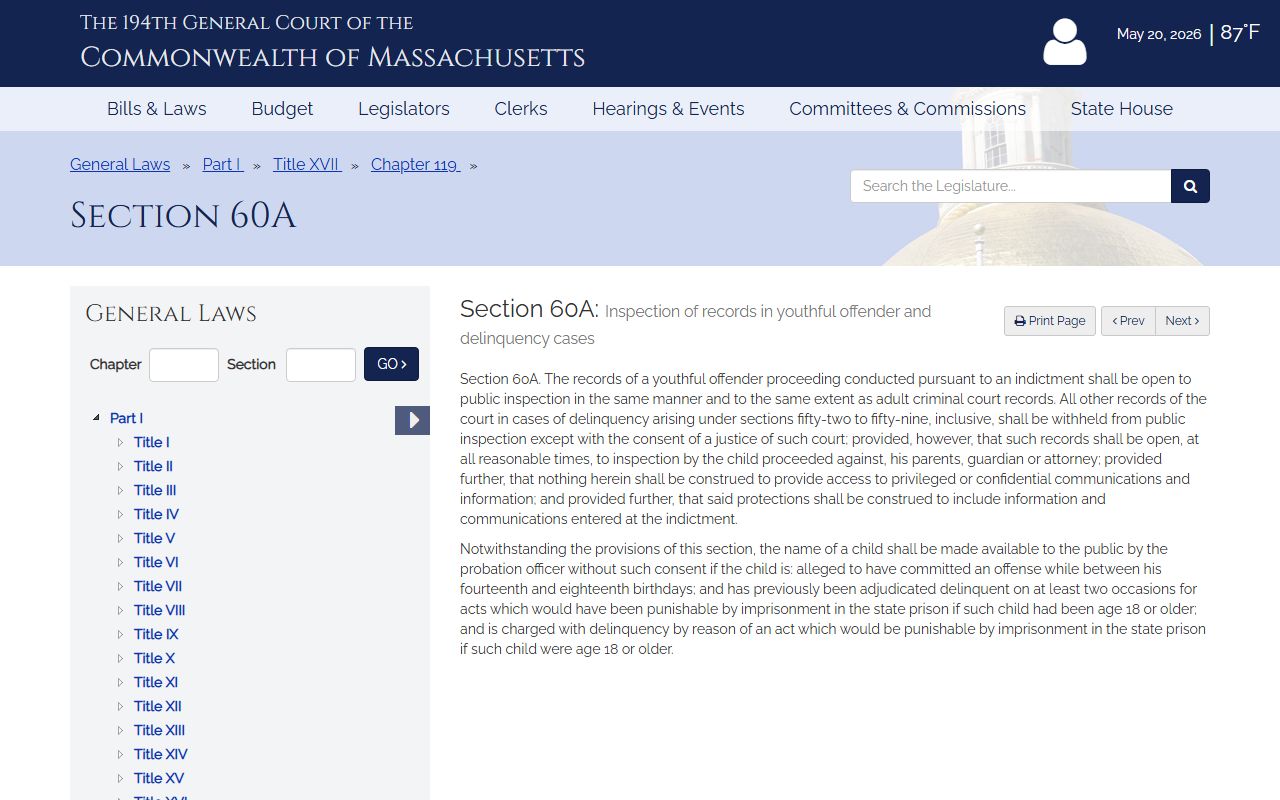
The juvenile access statute pictured here, M.G.L. c. 119, § 60A, keeps juvenile files out of ordinary public searches. Sealing eligibility and the petition steps are covered on the arrest records page.
Note: A sealed record is restricted from public access but not destroyed, so do not assume a clean online search means a record never existed.